

Click Add to Cart button to add this item to your cart.

Or you may add item to cart from here as well.
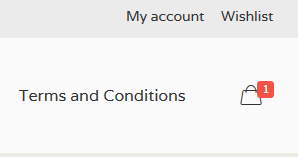
To view your cart items click on cart icon where aside of term and conditions.
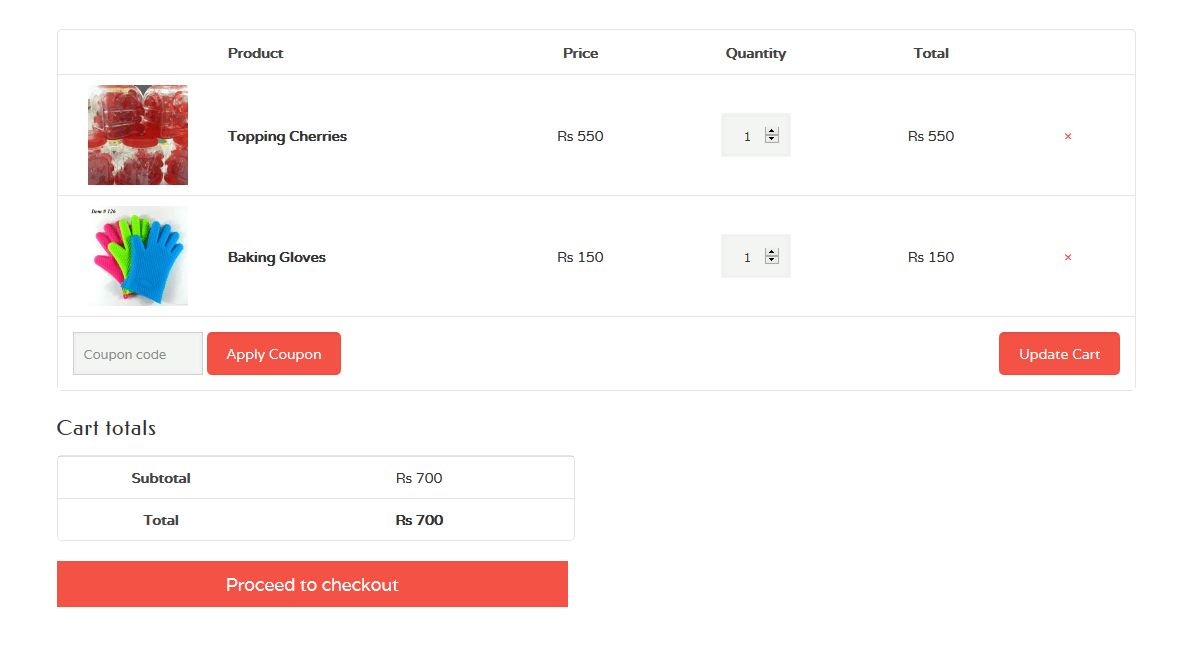
In cart page here you will manage your cart by removing or update the product quantity After managing the cart then you click on Proceed to checkout to place the order.
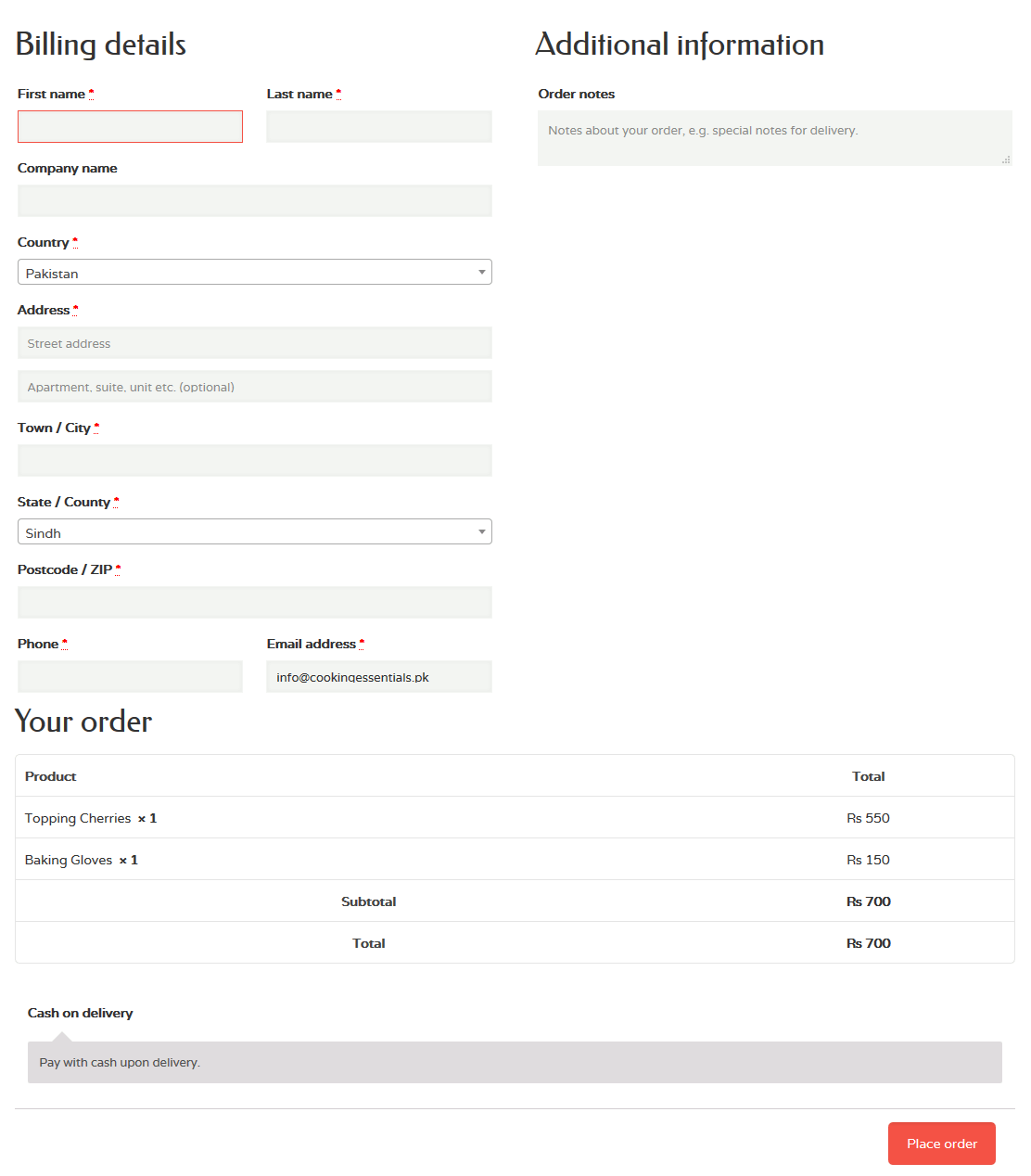
Fill all required fields before placing your order.
Note: Once you place your order next time you don’t need to fill this all fields. You just need to login with your given email and password. And also you will manage your account which include previous and current order invoices, Edit address and account details. Please see the screenshot in My Account tab:

You can also mark your favorite products in wish list for future order. Please see the screenshots in My Wishlist tab:

Go to any product page and click on Add to Wish list to order in future.

Here your wish list you can also add item to cart directly from here.